Customizing Site Logo & Description
Site Logo Image
To display a logo image instead of text:
- Go to Appearance > Customize > Site Logo & Tagline
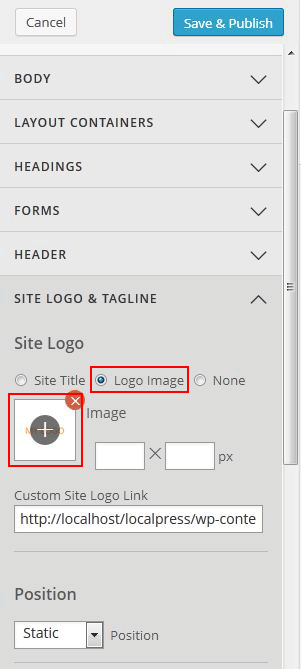
- Under "Site Logo", select "Logo Image" radio button
- Click on the (+) button to upload a logo image
- Optional: specify the image width and height
- In case if you don't want to display any logo on your site, select "None" radio button
- To reposition the logo, select "absolute" from the Position dropdown, enter the "top" and "left" position
Site Description (Tagline)
To add or edit the site description:
- Go to Appearance > Customize > Site Logo & Tagline
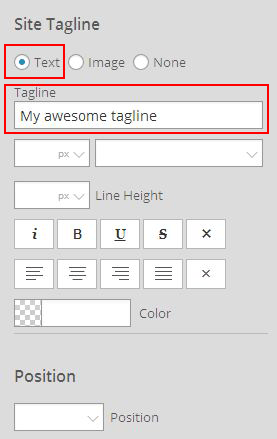
- Under "Site Tagline," select the "Text" radio button
- In the "Tagline," field add your tagline
- You can also add an image in the tagline area, select the "Image" radio button
- Click on the (+) button to upload the image
- Optional: specify the image width and height
- To reposition the tagline or tagline image, select "absolute" from the Position dropdown, enter the "top" and "left" position