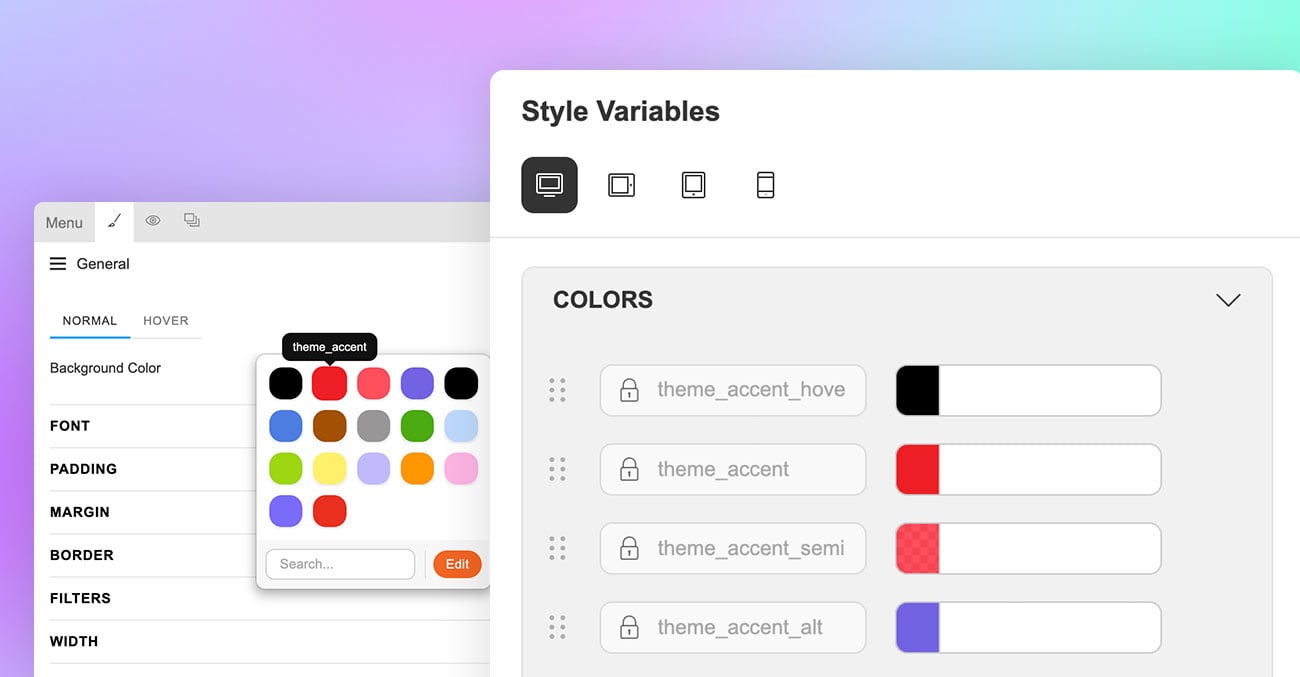
If you want full control over your Google Map appearance, custom styling is the best approach. In this tutorial, you will learn how to adjust map element colours in Google Maps Platform and link the style to the Themify Builder Maps or Maps Pro module. The process includes creating a map style, generating a Map ID, and applying it within the Builder. Once connected, your customized map design will display consistently across your website.
Blog
Designed for UGC Creators: Meet the Influencer Skin
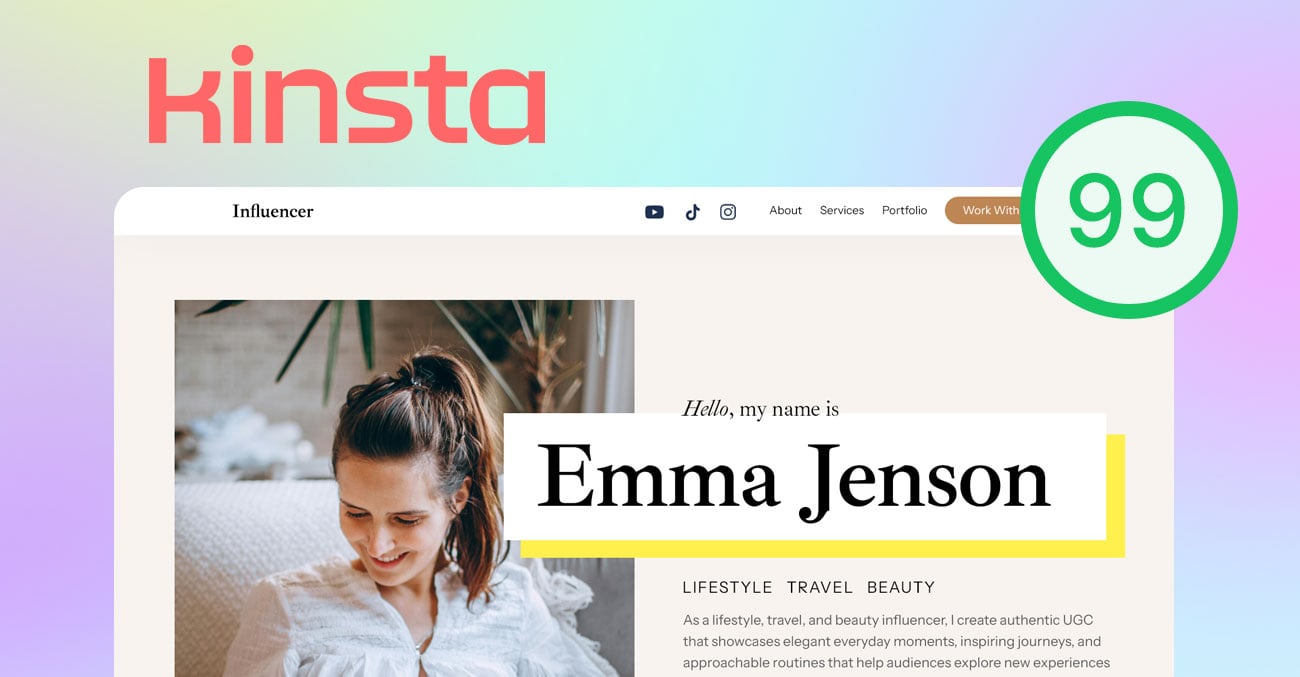
Calling all social influencers and UGC creators! The new Influencer skin is designed specifically for social media creators who want to showcase their portfolio, grow brand partnerships, and secure sponsored engagements.
Built with content creators in mind, the Influencer skin features clean, portfolio-focused layouts for highlighting UGC, campaigns, reels, and collaborations. Strategic call-to-action sections make it easy for brands to connect about sponsored posts and partnerships.
Our Biggest Black Friday Sale: 40% Off & $75 Off Lifetime
Black Friday has arrived — and we’re offering you our boldest deal of the year. Whether you’re a web designer, developer, or small-business owner, now’s the time to take your site to the next level with industry-leading WordPress tools at a fraction of the price. Get 40% off all regular memberships or take $75 dollar off our Lifetime Club — exclusively for this sale.
Our Themify themes and plugins are meticulously optimised for speed, performance and SEO. With membership, you’ll enjoy unlimited-site use, premium support and access to future releases. Don’t miss this chance to transform your website — and your brand — this Black Friday.
How to Add Custom Fields on WooCommerce Products with PTB and Builder Pro
In this tutorial, we’ll guide you through adding custom fields to WooCommerce products using Post Type Builder (PTB) and displaying them dynamically with Builder Pro. To illustrate the process, we’ve prepared a clean, minimalist demo featuring a product page (see example) with a stylish sticky buy button that releases once you reach the related products section. You’ll learn how to add simple text and checkbox fields to show details such as product dimensions and materials—all without any coding, and easy to implement.
Cast a Spell on Your Website – Themify’s Halloween Magic Sale
It’s that time of year when the moon is full and our web design powers get a little more magical. From now until November 1st, we’re unleashing a hauntingly good sale at Themify — perfect for anyone ready to conjure up a stunning website. Whether you’re building a blog, storefront, portfolio or landing page, now’s your chance to level up with our fast loading themes — for less.
Creating Custom Mobile Menu Layouts with Builder Pro
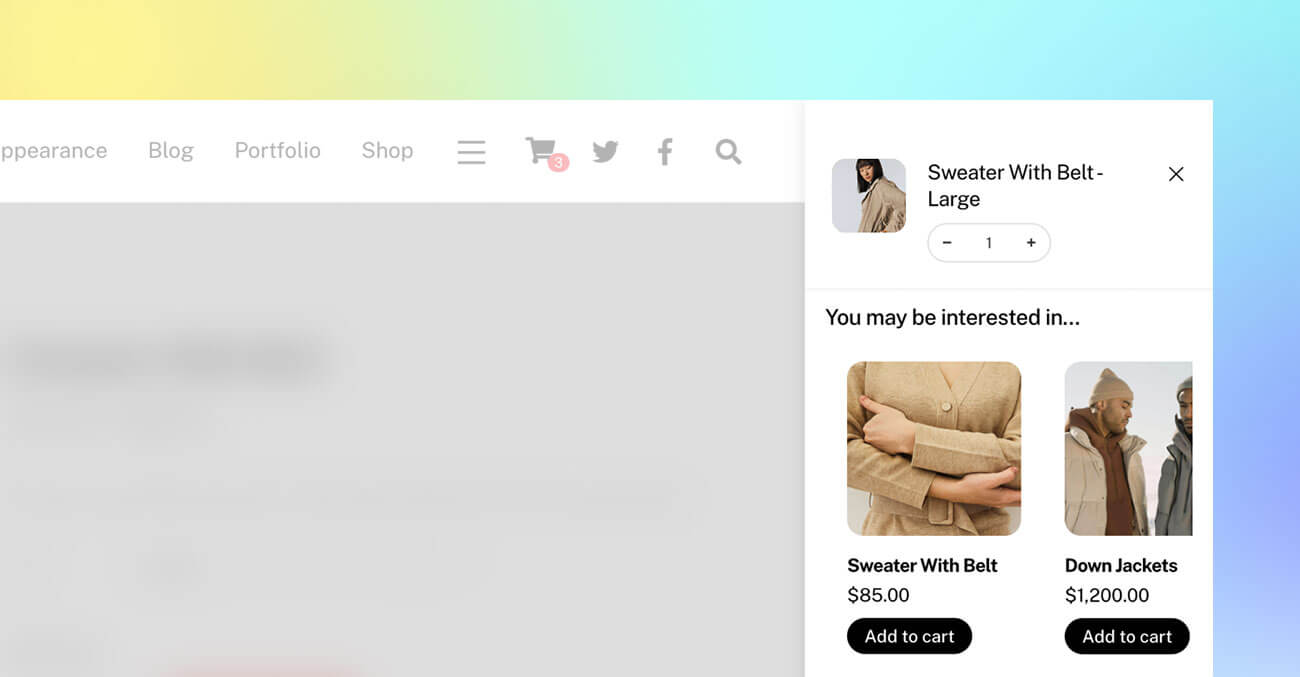
In this tutorial, we’ll walk you through how to create a custom mobile menu layout using the Builder Pro header template. With Builder Pro, you can design flexible, fully responsive mobile menus that complement your website’s unique style. The mobile menu layout will be built using a Layout Part, allowing you to customize it freely with the Builder’s intuitive drag-and-drop interface. The Overlay Content module is used to create the expandable mobile menu functionality. You can design multi-column layouts with any modules you like—such as navigation menus, featured products, or social icons—and your layout will automatically adapt to different screen sizes. View our demo to see it in action (resize your browser window to tablet or mobile size to view the mobile menu feature).