In this tutorial, we’ll guide you through adding custom fields to WooCommerce products using Post Type Builder (PTB) and displaying them dynamically with Builder Pro. To illustrate the process, we’ve prepared a clean, minimalist demo featuring a product page (see example) with a stylish sticky buy button that releases once you reach the related products section. You’ll learn how to add simple text and checkbox fields to show details such as product dimensions and materials—all without any coding, and easy to implement.
Blog
Cast a Spell on Your Website – Themify’s Halloween Magic Sale
It’s that time of year when the moon is full and our web design powers get a little more magical. From now until November 1st, we’re unleashing a hauntingly good sale at Themify — perfect for anyone ready to conjure up a stunning website. Whether you’re building a blog, storefront, portfolio or landing page, now’s your chance to level up with our fast loading themes — for less.
Creating Custom Mobile Menu Layouts with Builder Pro
In this tutorial, we’ll walk you through how to create a custom mobile menu layout using the Builder Pro header template. With Builder Pro, you can design flexible, fully responsive mobile menus that complement your website’s unique style. The mobile menu layout will be built using a Layout Part, allowing you to customize it freely with the Builder’s intuitive drag-and-drop interface. The Overlay Content module is used to create the expandable mobile menu functionality. You can design multi-column layouts with any modules you like—such as navigation menus, featured products, or social icons—and your layout will automatically adapt to different screen sizes. View our demo to see it in action (resize your browser window to tablet or mobile size to view the mobile menu feature).
How Abdulla Saad KP Transformed His Web Design Workflow with Themify
When design meets functionality, creativity flourishes — and that’s exactly what happened when Abdulla Saad KP, a graphic designer turned web entrepreneur, discovered Themify. In this customer story, you’ll hear how Abdulla transformed a chaotic, time-consuming workflow into a streamlined process that delivers stunning websites for fashion brands, recruitment platforms, and food companies alike. From favorite themes to pro tips, discover how Themify became his ultimate partner in building beautiful, efficient, and user-friendly websites.
New Wine Skin – Elegant Design for Wineries, Wine Shops & Vineyards
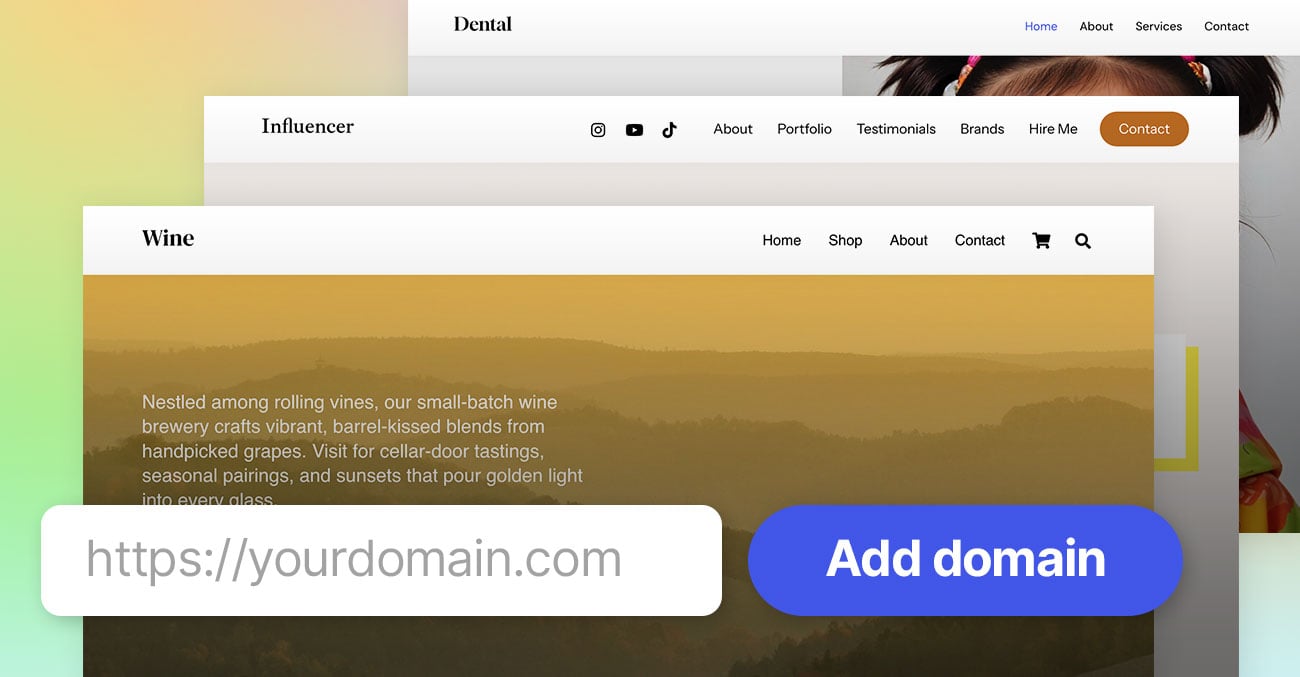
We’re thrilled to unveil our newest Wine skin, a sophisticated addition to our collection of professionally designed skins built with Ultra, Shoppe, or Builder Pro. Whether you're operating a vineyard, running a wine shop, or offering wine tastings, this skin brings elegance, warmth, and heritage right to your website without sacrificing performance or ease of use.
The Wine skin captures the romantic, rustic charm of wine country with polished, modern elements. Think rich typography, textured backgrounds, deep color palettes, and full-width image sections that show off sprawling vineyards, wine cellars, and bottles in ambient light. Subtle animations and hover effects add flair without slowing things down.
15 Years of Themify: Celebrate with a 40% Sale
We’re officially 15 years old—and we couldn’t have done it without YOU! From our very first WordPress theme back in 2010 to our powerful Themify Ultra, Builder, Builder Pro, and over 40+ themes and plugins, it’s been an incredible journey. To celebrate this milestone, we are offering a 40% off regular memberships and $75 dollar off Lifetime Club.
40% Anniversary Sale
Enjoy a 40% discount on our Builder Pro, themes, plugins, and Master Club (including renewals).
CODE: ANNIV15
$75 Off Lifetime Club
The Lifetime Club is an exclusive membership that grants you LIFETIME access to all Themify products, future releases, updates, and support.
CODE: ANNIV15LIFE
Sale ends on August 31, 2025.