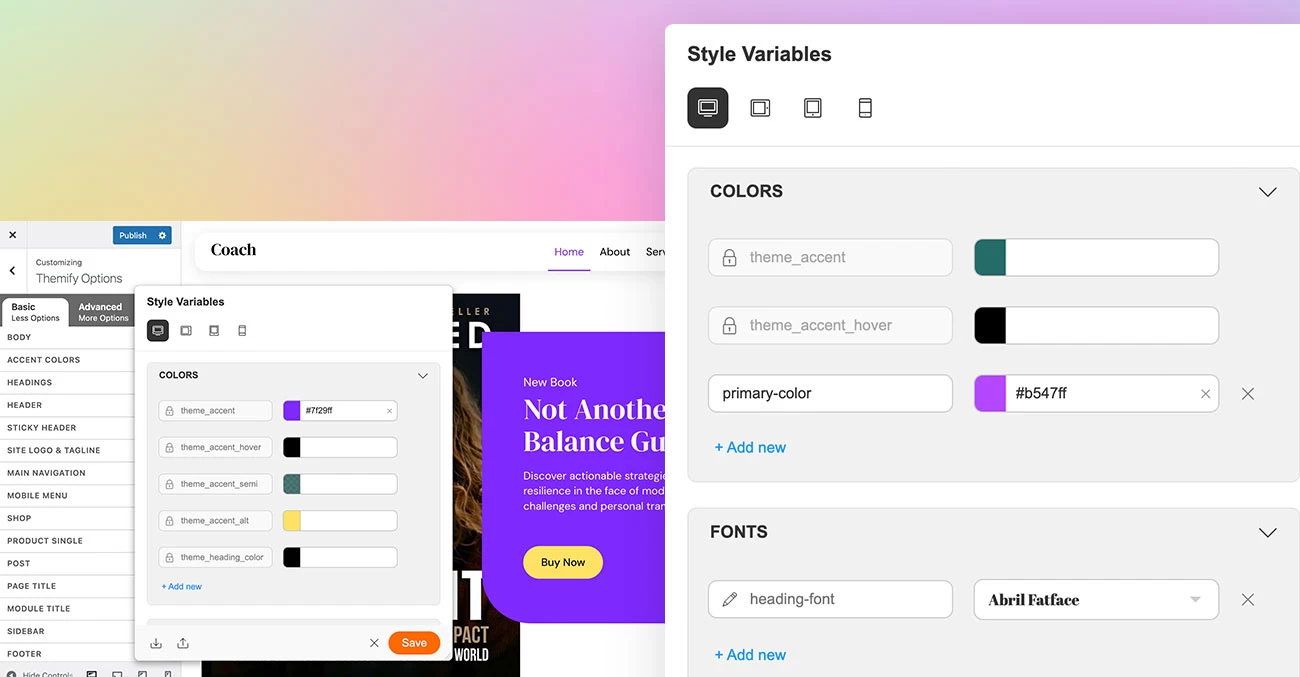
We are excited to introduce new Themify updates that give you more design flexibility, improve workflow efficiency, and create a smoother front-end experience. This release includes Layout Part mobile menus, an enhanced Style Variables interface with Builder preset color variables, and improved dark mode rendering with no visible delay on page load.
Product Releases
New Themify Update: Ajax Cart Quantity Input, Cross-Sell Products, and More Design Controls
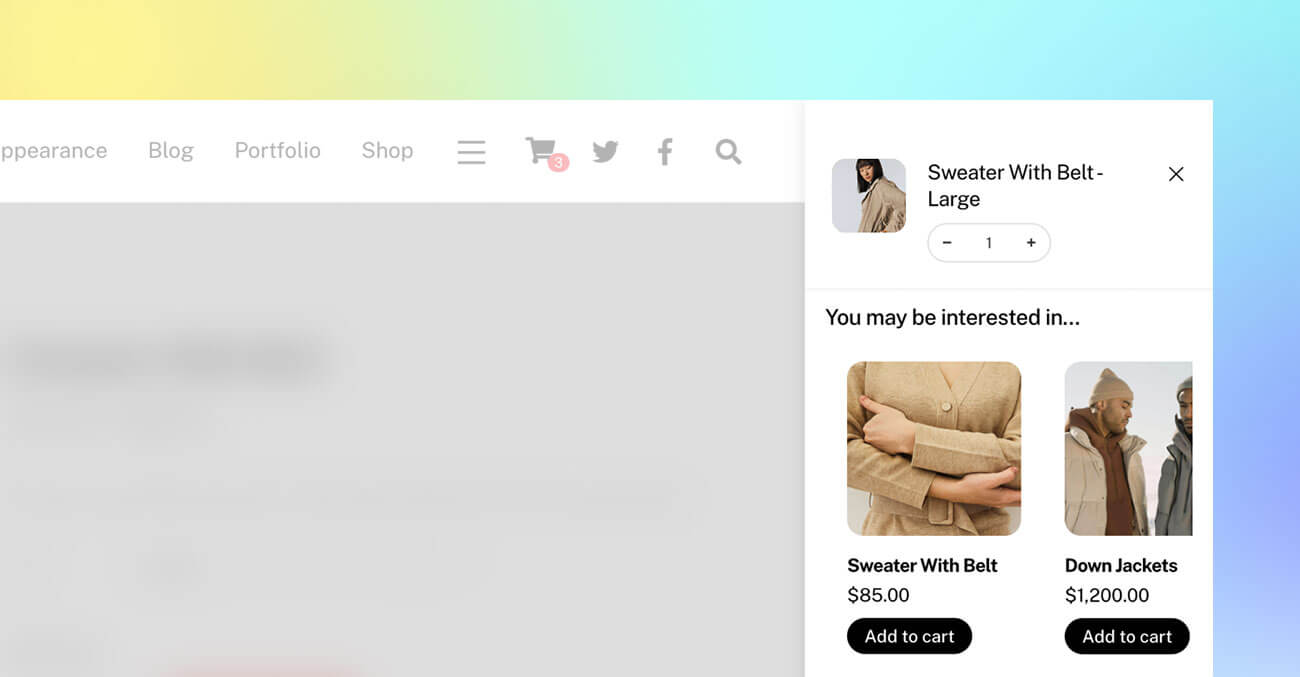
We are excited to introduce a new Themify update with major improvements to the WooCommerce Ajax cart, including quantity input controls and cross-sell product recommendations. These new Ajax cart features make it easier for customers to adjust product quantities and discover related products without leaving the shopping flow.
Available in Ultra, Shoppe, and Builder Pro, this update helps create a smoother shopping experience while giving store owners more opportunities to increase sales. We have also added more flexible design controls for individual buttons and column spacing, making it easier to create polished layouts without custom code.
Create Responsive Tables Faster with the New Builder Table Module
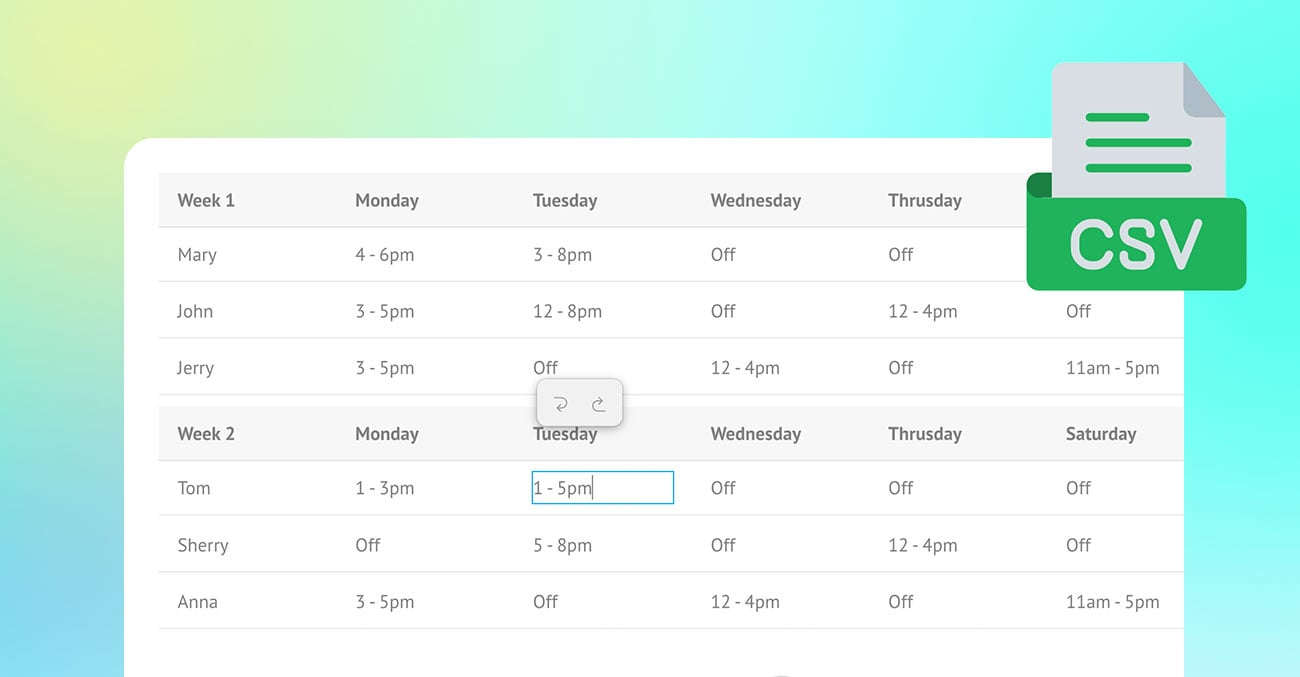
Tables are one of the most useful ways to present structured information, but creating and formatting them can often feel time-consuming. The new Builder Table module makes the process quick, simple, and visual. Instead of manually coding tables or struggling with complex formatting, users can build tables directly in Themify Builder with an intuitive table-editing interface.
Whether you are creating pricing tables, comparison charts, event schedules, product specifications, directories, menu lists, or detailed data tables, the Table module gives you an easy way to organize content clearly. Simply drop the module into your layout, click into the cells, and start entering your content. From there, you can import CSV data, rearrange rows and columns, resize column widths, style the table, and enable freeze options for larger tables.
With its user-friendly editing experience and flexible styling controls, the Table module helps users create clean, professional, and mobile-friendly tables without needing custom code.

New Builder Feature: Multiple Backgrounds & Gradients
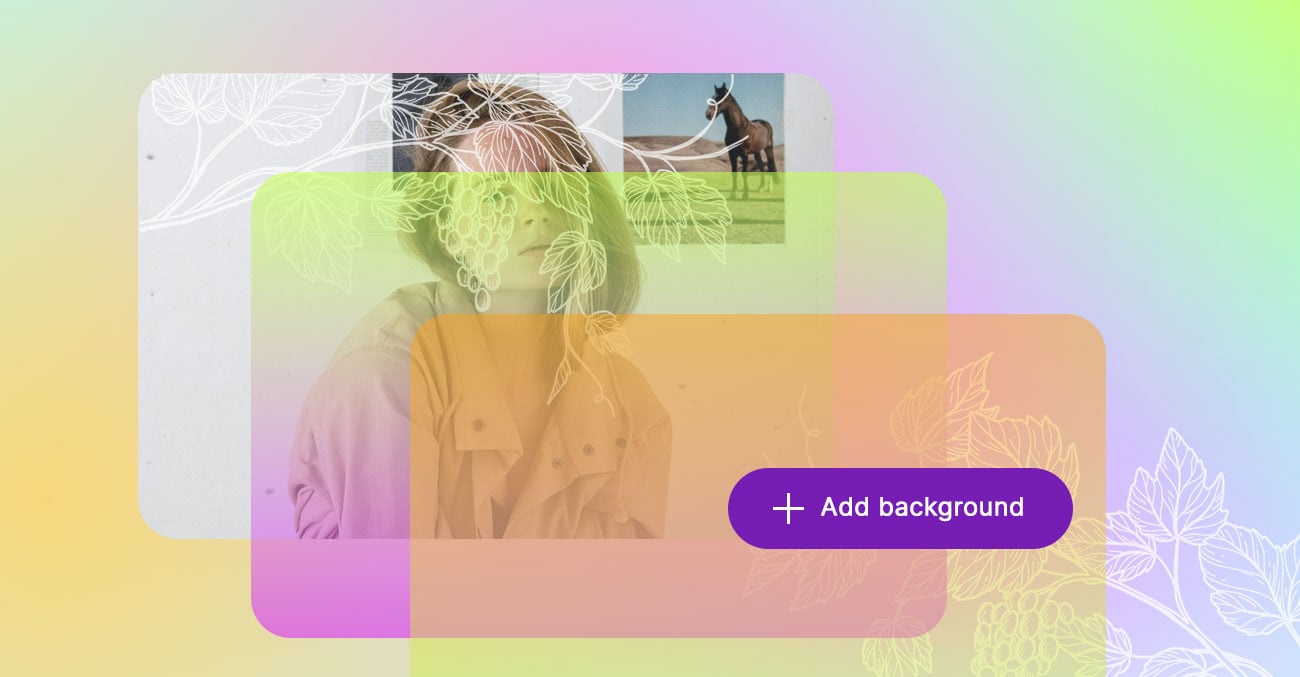
Creating rich, layered background effects in Themify Builder is now easier and more flexible. With the new multiple backgrounds feature, you can combine images and gradients in the same module, column, subrow, or row without relying on external design tools. Whether you want subtle overlays, colourful gradient blends, decorative patterns, or image collages, this update gives you more creative control directly inside the Builder.
The best part is that multiple backgrounds support responsive styling and hover states. You can customize different backgrounds and their options for desktop, tablet, mobile, and hover states.
New Builder & Customizer Feature: Style Variables
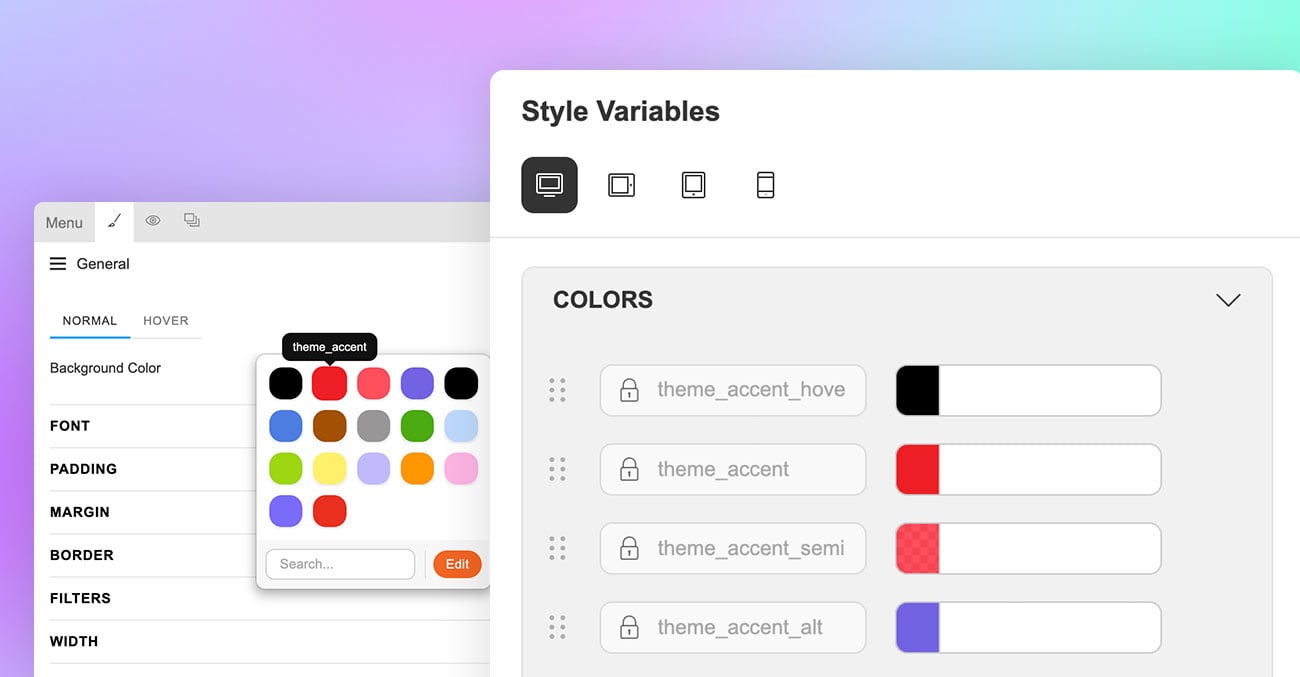
We have added a new Style Variables feature to both the Builder and Customizer, making it easier to manage consistent styling across your site. Instead of updating colours, fonts, and spacing one element at a time, you can define reusable variables once and assign them anywhere they are supported.
One of the most useful benefits is responsive variables. Rather than creating and assigning separate variables for desktop, tablet, and mobile, you can use a single variable and set different values for each breakpoint. This makes it much faster to manage responsive font sizes, spacing, and other design settings while keeping your workflow simple and consistent.
You can also export and import the Style Variables from one site to another. If you export a Builder layout that includes variables in use, those variables will also be imported to the target site.
Meet the New Coach Skin
Calling all life coaches, career coaches, and professional service providers. The new Coach skin is designed for businesses that want a polished online presence with a modern look and a clear path to conversion.
Built with coaches in mind, the Coach skin features clean layouts for showcasing services, programmes, testimonials, podcasts, and calls to action. It also includes fast-loading pages and smooth scrolling animation effects that add a refined, engaging feel to the browsing experience.
Available with Ultra, Shoppe, and Builder Pro, the Coach skin is fully customisable with Themify Builder. Simply import the predesigned demo, update the text and images, and launch quickly. While ideal for life and career coaches, the design is versatile enough for consultants, wellness professionals, agencies, and other service-based businesses.