
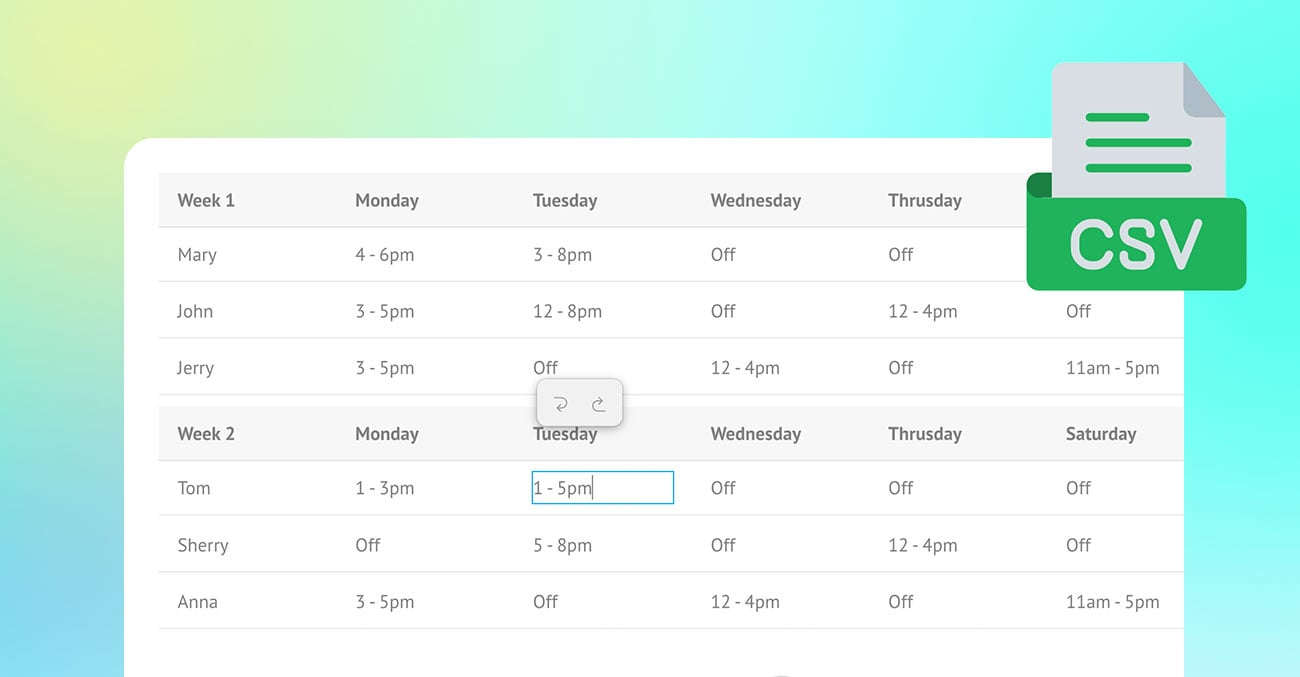
Tables are one of the most useful ways to present structured information, but creating and formatting them can often feel time-consuming. The new Builder Table module makes the process quick, simple, and visual. Instead of manually coding tables or struggling with complex formatting, users can build tables directly in Themify Builder with an intuitive table-editing interface.
Whether you are creating pricing tables, comparison charts, event schedules, product specifications, directories, menu lists, or detailed data tables, the Table module gives you an easy way to organize content clearly. Simply drop the module into your layout, click into the cells, and start entering your content. From there, you can import CSV data, rearrange rows and columns, resize column widths, style the table, and enable freeze options for larger tables.
With its user-friendly editing experience and flexible styling controls, the Table module helps users create clean, professional, and mobile-friendly tables without needing custom code.
Quick and Simple Table Creation
The Table module is designed to be very user friendly. Simply drop the Table module into your layout and start editing right away. You can click directly on any table cell to enter text, making table creation feel natural and intuitive.
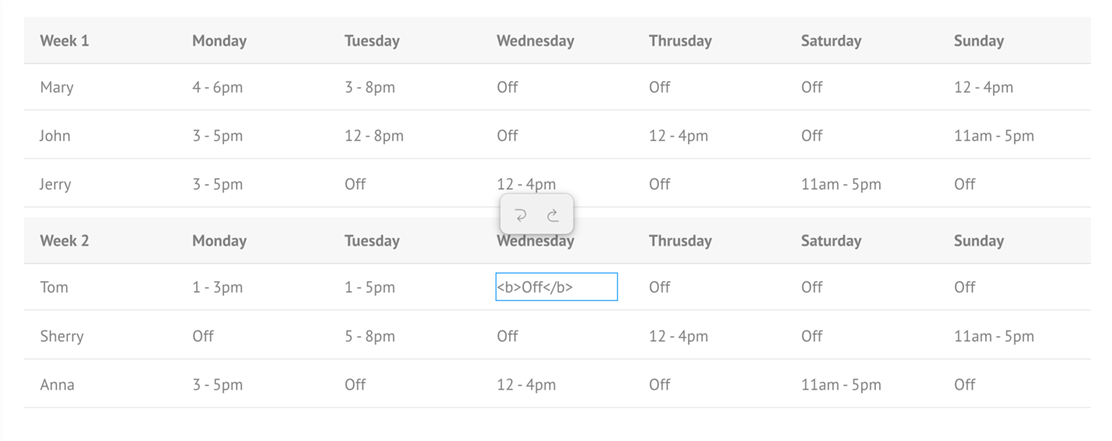
Basic HTML tags are also supported in table cells, so you can add formatting such as bold text, italic text, and links without needing a complicated setup.
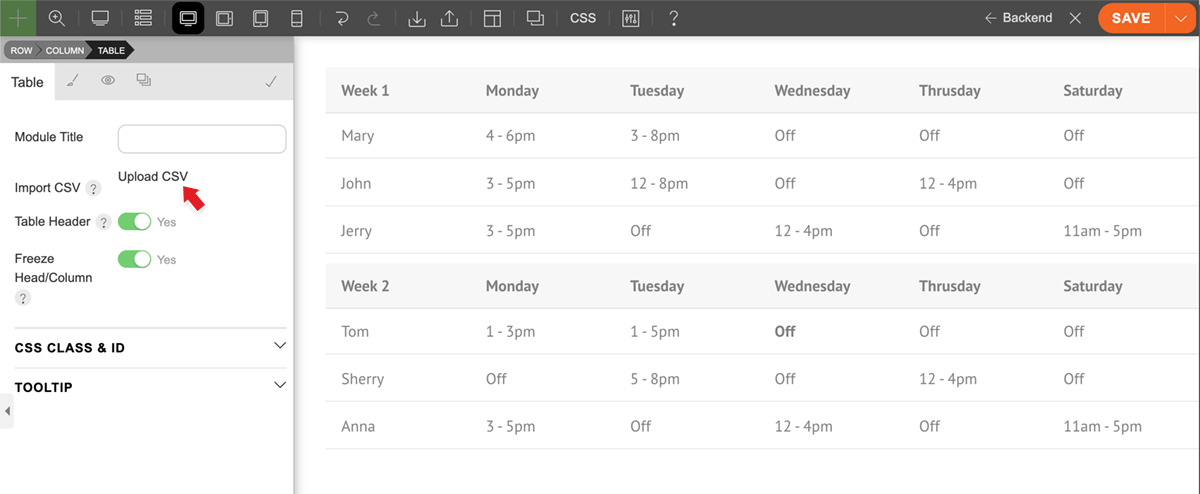
Import Table Data with CSV Upload
For larger tables, you do not have to manually type everything cell by cell. The Table module allows you to import table data by uploading a CSV file. This is especially useful for pricing tables, product lists, directories, schedules, or any data that already exists in spreadsheet format.
Once the CSV file is uploaded, the table data is automatically added to the module, saving time and reducing manual entry errors.
Add, Delete, and Reorder Rows and Columns
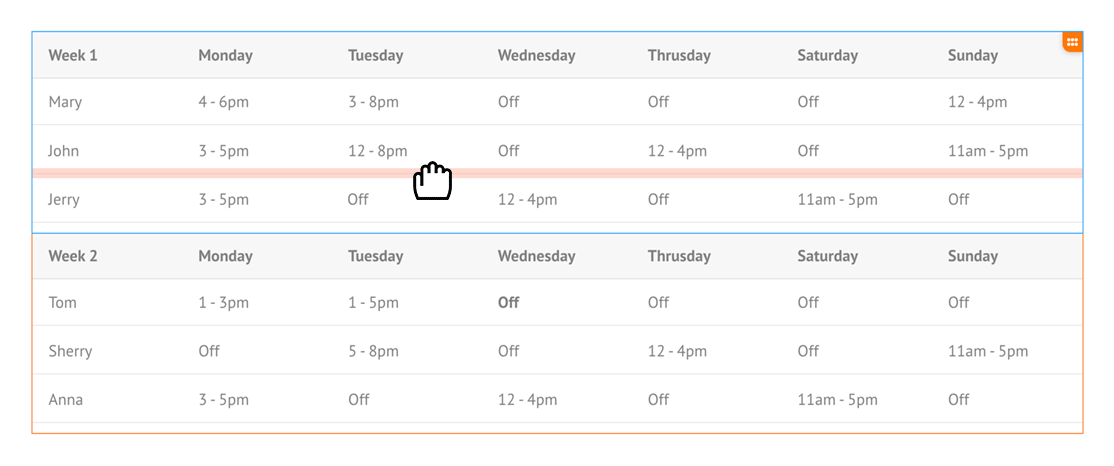
The Table module makes it easy to manage your table structure. You can add or delete rows and columns as needed, giving you full control over the table layout.
Rows and columns can also be rearranged with drag and drop, allowing you to quickly organize your content without rebuilding the table from scratch.
Resizable Column Widths
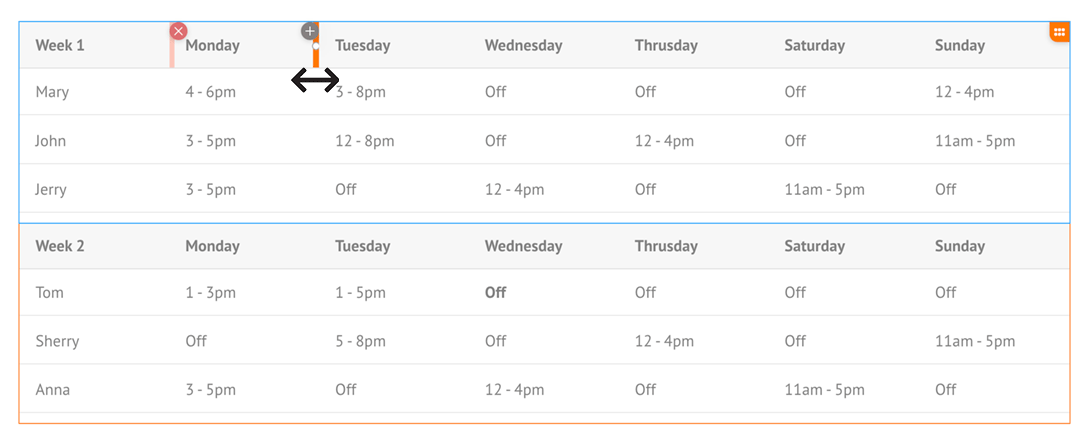
Adjusting column widths is simple and visual. You can resize columns by dragging the divider in the header area, making it easy to control how your table content is displayed.
This helps you create cleaner, more readable tables, especially when some columns need more space than others.
Complete Styling Options
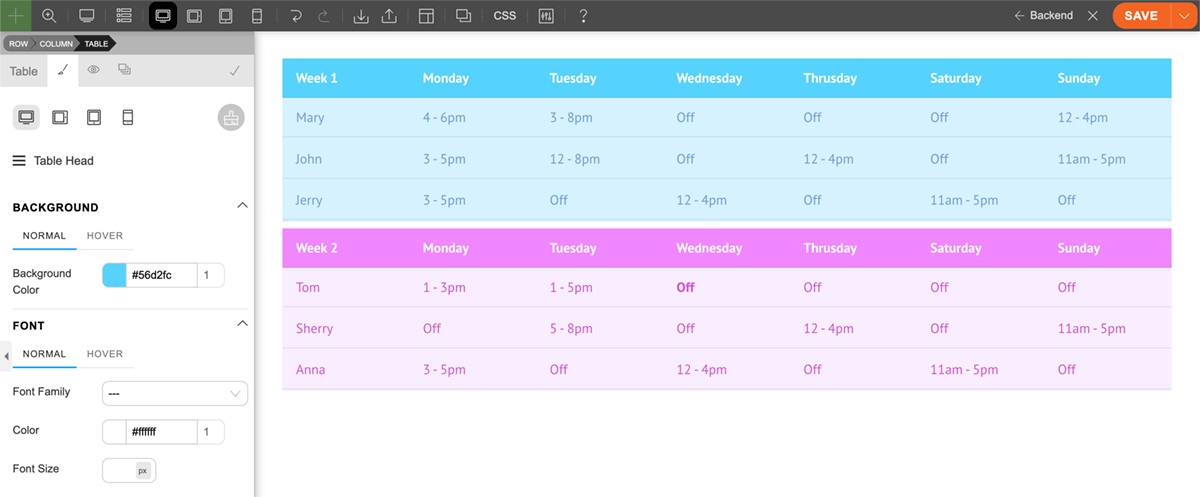
The Table module includes complete styling options so you can customize the appearance of your table to match your site design.
You can style the general module container, table header, and table cells, giving you flexibility over the overall look and feel. Whether you want a clean minimal table, a bold comparison chart, or a branded data table, the styling controls make it easy to achieve the right design.
Freeze Table Header and Column for Large Tables
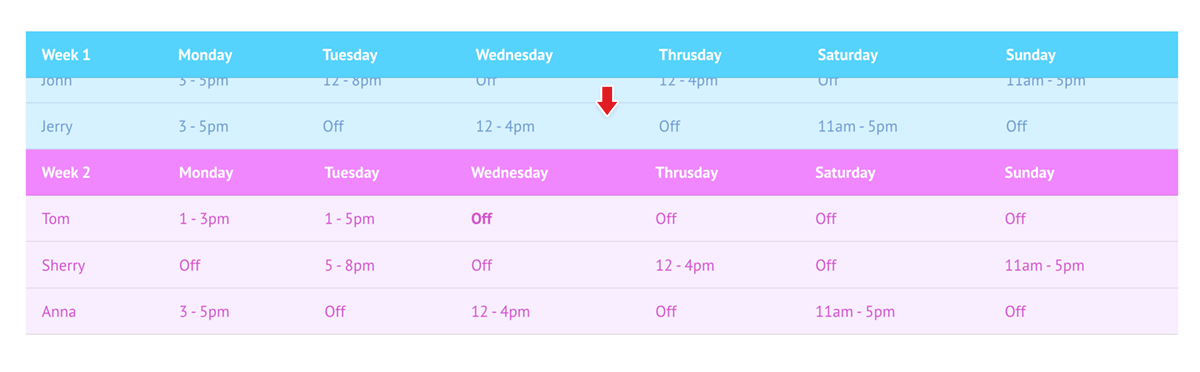
Large tables are much easier to read with the freeze table header and column feature. When enabled, the table header automatically stays fixed at the top as users scroll down the page.
This is especially useful for long tables because users can continue to see the column labels while viewing rows further down the table.
Better Mobile Experience with Horizontal Scrolling
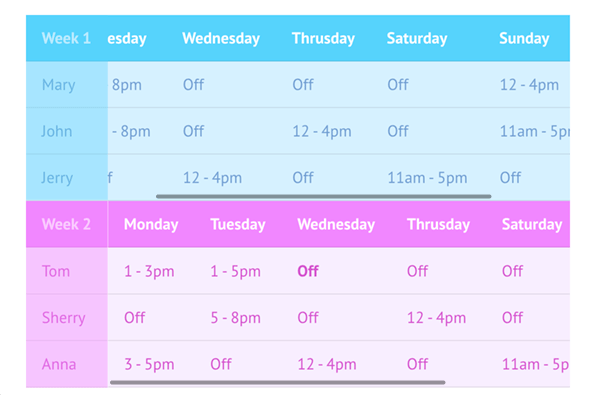
Tables can be challenging on smaller screens, but the Table module includes mobile-friendly behaviour for overflowing tables.
On mobile breakpoints, when the table is wider than the screen, a horizontal scrollbar will appear. The left column can remain frozen on the side, making it easier for users to scroll through table data while still keeping the key row information visible.
A Better Way to Build Tables in Themify Builder
The new Table module brings a faster and more intuitive table-building experience to Themify Builder. With direct cell editing, CSV import, drag-and-drop row and column management, resizable columns, complete styling options, and freeze support for large tables, it provides everything needed to create practical and professional tables with ease.
Whether you are building simple content tables or large data-heavy layouts, the Table module makes the process quick, visual, and user friendly.
June 4, 2026 @ 11:05 am
Great. Thanks for this! This one I was missing. Inserting tables with html is not very handy. CSV upload sounds awesome.
June 4, 2026 @ 11:07 am
Great update :)
June 4, 2026 @ 11:10 am
Wow, perfect addition! Gonna try soon!
June 4, 2026 @ 3:28 pm
@Nick
its really amazin update whcih have very esy to display data in table
thanks for this nice update
June 4, 2026 @ 3:54 pm
Hi, I wonder if later in time you will add dynamic features to the table ?
June 4, 2026 @ 9:24 pm
That is a good idea. Will put that in our consideration list. If more users request it, we will work on it.
June 6, 2026 @ 10:52 pm
Nick, adding the dynamic data option to the new table module will certainly make this module even more amazing…
I was just about to write the exact same comment as my friend…
I support it.
June 4, 2026 @ 6:43 pm
I can’t find where to download this plugin. Please can you advise. Thanks
June 4, 2026 @ 9:24 pm
You just need to update your Themify theme (eg. Ultra, Shoppe, Music, Parallax, Fullpane) to the latest version. Then you will find the “Table” module along with the other modules in the module panel.
June 5, 2026 @ 1:59 am
I Requested this feature via email on May 20th and now it’s in the product on June 4th!! You guys are genuinely awesome! Thanks Themify team!!
June 6, 2026 @ 8:58 am
This is so great. Now I never need to install any table plugin anymore. (paid or free) This just what I needed. It has all the features you can think of. Awesome Themify team!!!