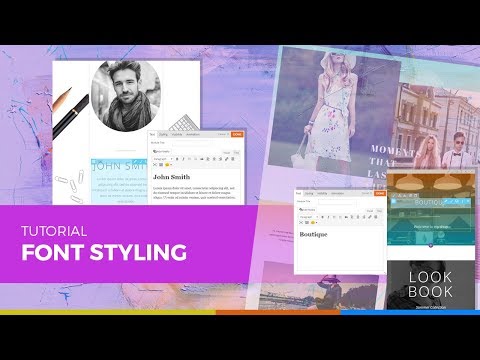
Responsive styling or responsive web design is an approach that makes websites render well on a variety of devices and screen sizes. It is becoming an increasingly important feature for all websites as mobile traffic now accounts for more than half of total internet traffic.
Tutorials
Learn How To Add Animation with the Themify Builder
Similar to beautiful powerpoint presentations, you can also add eye-catching animation effects on various elements on your page with the Themify Builder. This is great when you want to draw attention to a call-to-action message such as a sign-up now button. Or when you want to showcase your content as users scrolls through your site. The Builder animation also works across various devices and resolutions, so you'll see it apply on both tablets and mobile.
For this video tutorial, we're going to show you how you can do add animation on both rows and modules step-by-step.
New Scroll To Row Video Tutorial
New Scroll to Row Video Tutorial! Following many requests from the Themify community, we’ve decided to launch a new video tutorial for the Scroll to Row anchor feature. To refresh your memory, Scroll to Row allows a website user to click an item on the header and be scrolled down to the relevant section.
How to Create an eCommerce Website with the Shoppe Theme
It’s around 9:10am as I write this blog post. So, Good Morning!
My name is Hogan (see bio below) and I recently released a full tutorial on How to Create an eCommerce Website with WordPress based on the Shoppe Theme by Themify. And I’m really excited to tell you all about it, i.e. who it’s for, what you’ll learn, what to do if you want to start fresh (completely from scratch) and more!
How to Design a Custom Header with the Themify Builder
Take full creative control with your site using Themify Builder - starting with your header! We understand the need to create unique sites that showcase your brand. Whether it's with the post/page layouts, color scheme, or even the fonts used - every little detail counts when making your site stand-out from the competition. Which is why we've created this tutorial to showcase how you can create your own custom header design using the Themify Builder.
10 Security Plugins for Protecting WordPress Websites
Though WordPress is by far one of the most secure content management systems (CMS) around, it's popularity makes it vulnerable to attacks. In fact, each day Google blacklists approximately 10,000 websites for suspicious activity, and you had better believe numerous WordPress websites are included on these lists.
Despite the obvious risks, many WordPress website owners fail to worry about their own site's security until something terrible happens. They are then left to deal with the aftermath of a hack attack or malware infection.