One look at this month’s Customer Story agency website will have you fascinated as to how he created it all on his own, with the help of a Themify theme! Let’s dive in and hear Lester’s best tips and tricks on using Themify and WordPress to create his own digital marketing agency site, and for […]
Search Results for: top
How to Score an A+ on Google PageSpeed Insights
UPDATE: We've released the pagespeed framework (Themify v5) that can achieve 90+ score on Google Pagespeed Insights without using any third party plugins. If you are using the latest Themify themes, please skip this post. Ranking higher on Google searches likely means the number of visitors crossing your page will increase as well. But how […]
How to Make a Sticky Scrolling Layout
Sticky scrolling is a cool way to grab a reader’s attention as it makes your web page feel animated with various elements sticking to the forefront, then disappearing. It hasn’t yet been a year since we’ve launched the Builder’s sticky scrolling, but we’ve been receiving great feedback on it, and have noticed parallax layout sites […]
How to Create SEO Optimized Images
We’re excited to be sharing a new tutorial from a guest, Dr. Arnold Robinson III. We’ve previously featured him in a Customer Story, and as a Digital Marketing professor and expert, he's a great resource we can all learn from. For this tutorial, we’ll be learning how to optimize your photos for SEO (Search Engine […]
How to Make a Parallax Overlapping Layout
Demo Due to the popularity of our Top 10 Parallax Sites blog post, we’re going back into the world of sliding and floating elements with a tutorial on how to create one. Making a parallax overlapping layout isn’t as hard as it seems. Trust us, if our communications editor with no tech background can do […]
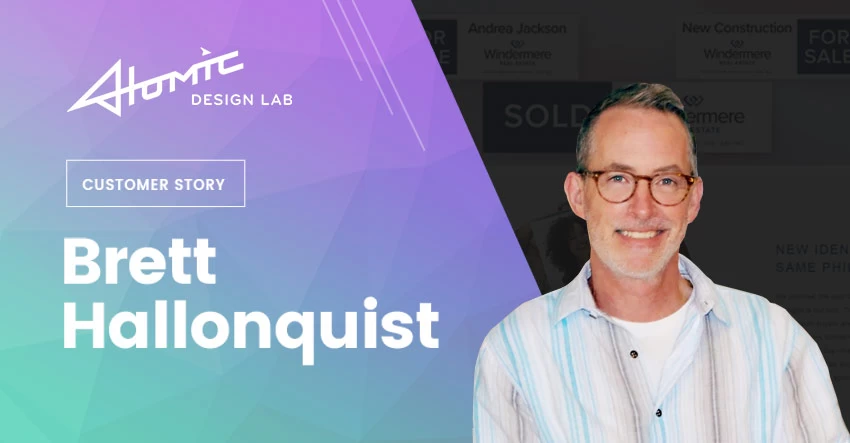
How I Relaunched My Web Design Career – Brett Hallonquist
Welcome to another Customer Story, where we share the beautiful work and interesting tales of our clients. Today we’re journeying to the west coast where we’ll hear the success story of a web designer, who was hesitant about WordPress at first, but after switching over, fell in love! About Me My name is Brett Hallonquist […]